How to Revive a Lithium-Ion Battery Safely

A lithium-ion battery that suddenly shows no output is not always permanently dead. An incompatible charger, a loose connection, temperature protection, or a low-voltage shutdown by the battery management system (BMS) can all make a battery appear unresponsive. However, severe over-discharge can also cause permanent cell damage. The safe order is to rule out hazards, check the system, and only then determine whether the manufacturer provides an approved recovery path.
This guide does not instruct you to open a pack, bypass its BMS, or jump-start it from another battery. For residential energy storage and other high-energy systems, any recovery attempt must follow the exact product manual and supplier guidance. Stop immediately if the battery is swollen, leaking, unusually hot, physically damaged, smoking, or producing an unusual smell or sound.
What Does a “Dead” Lithium-Ion Battery Actually Mean?
If a device will not start or a charger cannot detect the battery, the cells may not be the only possible cause. The outlet, charger, cable, fuse, external connector, communication link, and ambient temperature can all affect system behavior. In a home energy storage system, the battery must also coordinate with an inverter, BMS, and monitoring platform. A fault in any part of that chain may disable charging or discharging.
The BMS monitors operating conditions such as voltage, current, and temperature. It can disconnect the pack when a protective limit is reached. Some protection states can be cleared through a product-specific procedure, but a battery that has spent a long time at very low cell voltage may have permanent internal damage. Seeing the display turn on again does not prove that usable capacity, internal resistance, cell balance, and safety have returned to normal.
- Charger, outlet, plug, cable, or external connection failure
- Low-voltage, overcurrent, or temperature protection by the BMS
- Deep discharge after a long period without charging
- Cell imbalance, aging, or substantial loss of usable capacity
- Physical damage to the enclosure, terminals, or internal structure
Start With a Safety Check: Batteries You Must Not Revive
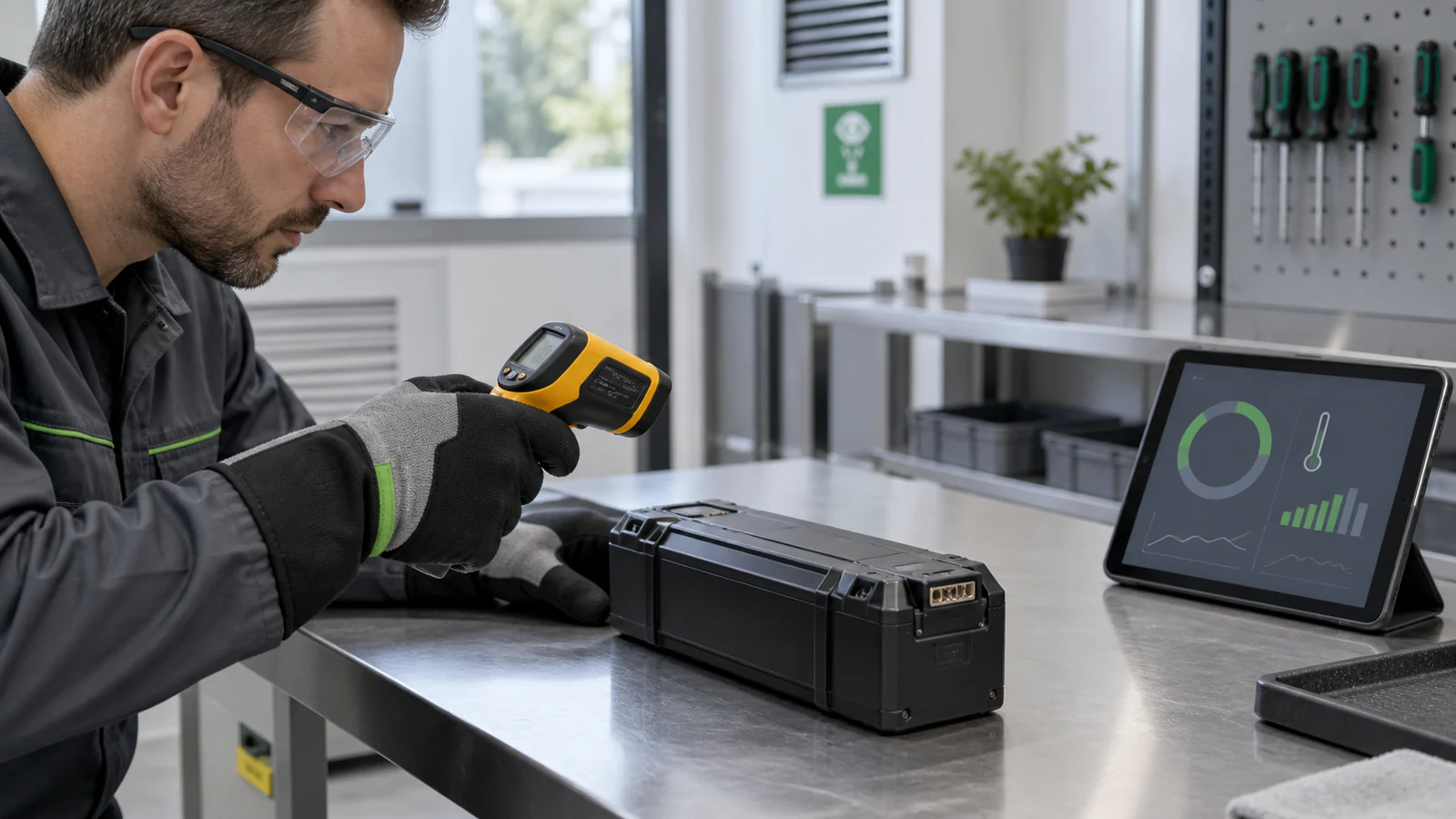
Do not recharge a battery that is swollen, deformed, leaking, smoking, producing an unusual odor, or heating rapidly. A battery that has been submerged, exposed to fire, punctured, crushed, incorrectly wired, or dropped hard enough to damage its enclosure should not be test-charged. An internal short circuit or insulation failure may be present even when the outside looks mostly normal.
- A swollen, cracked, dented, or distorted enclosure
- Leakage, an unusual odor, hissing, smoke, or abnormal heat
- Burned terminals, severe corrosion, or damaged insulation
- Water, fire, impact, puncture, crushing, or wiring damage
- Unknown origin, chemistry, model, or modification history
What to Check Before You Attempt Any Recharge
After the battery passes the visual safety check, identify its exact model, chemistry, nominal system voltage, and approved charging equipment. A connector that fits is not proof of compatibility. Charger voltage, current limits, charge profile, polarity, and communication requirements may all determine whether the BMS permits charging.
For a system with a display, inverter, or monitoring app, record the error codes, reported state of charge, temperature, and charge/discharge permission status. If you cannot access this information, or the equipment repeatedly disconnects, do not substitute repeated resets for diagnosis. Send the model information, alarm history, and clear site photos to the supplier or installer.
| Symptom | Possible cause | Safe next step | Stop when |
|---|---|---|---|
| No output | BMS protection, lost connection, or deep discharge | Check the manual, charger, fuse, and error codes | There is heat, swelling, odor, or damage |
| Charger cannot detect the battery | Compatibility, communication, or abnormal voltage | Confirm the exact model and approved wake-up method | The method requires jump-starting, pack opening, or BMS bypass |
| Charges but loses energy quickly | Capacity loss, higher resistance, or cell imbalance | Arrange capacity and stability testing | Protection repeats or temperature becomes abnormal |
| Home storage system goes offline | Inverter, BMS, breaker, or communication fault | Save the alarms and contact the installer | There is burning, water ingress, or an escalating fault |
Can an Over-Discharged Lithium-Ion Battery Be Recovered?
It depends on whether the battery has only entered a protection state or the cells have already been damaged. A mildly discharged battery with no abnormal signs may resume charging when connected to the correct, manufacturer-approved charger. Some BMS-equipped packs also provide a defined reset or wake-up process, but that process must match the exact product.
Severe over-discharge is different. Staying at a very low cell voltage can cause irreversible internal changes. Even if the pack later accepts charge, it may retain less capacity, self-discharge faster, or show persistent cell imbalance. Successful activation is therefore only the beginning of the evaluation, not proof that the battery is fit for continued service.
There is no universal recovery voltage or current that is safe for every lithium-ion battery. Cell chemistry, series count, BMS logic, and charger design vary. If the product manual does not describe a recovery procedure, treat the pack as requiring professional evaluation instead of experimenting with generic values found online.
A Safe Step-by-Step Response to a Battery That Will Not Charge
The following process helps you make a safe decision; it is not an electrical repair procedure. For a residential battery, a parallel battery bank, or a high-voltage cabinet, complete only the basic information-gathering steps and then involve the supplier, installer, or a qualified technician who meets local requirements.
- Stop using the battery and disconnect nonessential loads. Do not repeatedly power-cycle or force-start it.
- Inspect the enclosure, terminals, smell, and temperature. Stop immediately if anything is abnormal.
- Confirm the battery model, chemistry, nominal system voltage, and approved charger.
- Check the outlet, cable, fuse, breaker, and clearly visible external connections without opening the pack.
- Read and save alarms and status information from the BMS, inverter, or monitoring app.
- Use a recovery, wake-up, or reset function only when the manual explicitly approves it for that model.
- Keep the charging process visible, ventilated, and away from soft surfaces, exits, and combustible materials.
- Stop if temperature rises quickly, the enclosure changes shape, an odor or sound appears, or the status does not improve.
- After apparent recovery, have a qualified person assess capacity, resting voltage, temperature behavior, and cell consistency.
- Replace and recycle a battery that cannot pass the stability and safety checks.
Lithium Battery Revival Methods You Should Avoid
Do not freeze a lithium battery, connect it in parallel with a healthy battery, apply voltage from an adjustable power supply without the manufacturer’s procedure, short protection terminals, bypass the BMS, or open the pack to charge individual cells. Wrong polarity, uncontrolled equalization current, condensation, and cell mismatch can cause a short circuit, overheating, or thermal runaway.
A so-called battery repair device cannot turn aged or physically damaged cells back into new ones. If a method requires you to guess the voltage, current, terminal function, or BMS behavior, that uncertainty is a reason to stop—not a reason to continue experimenting.
Should You Revive, Test, or Replace the Battery?
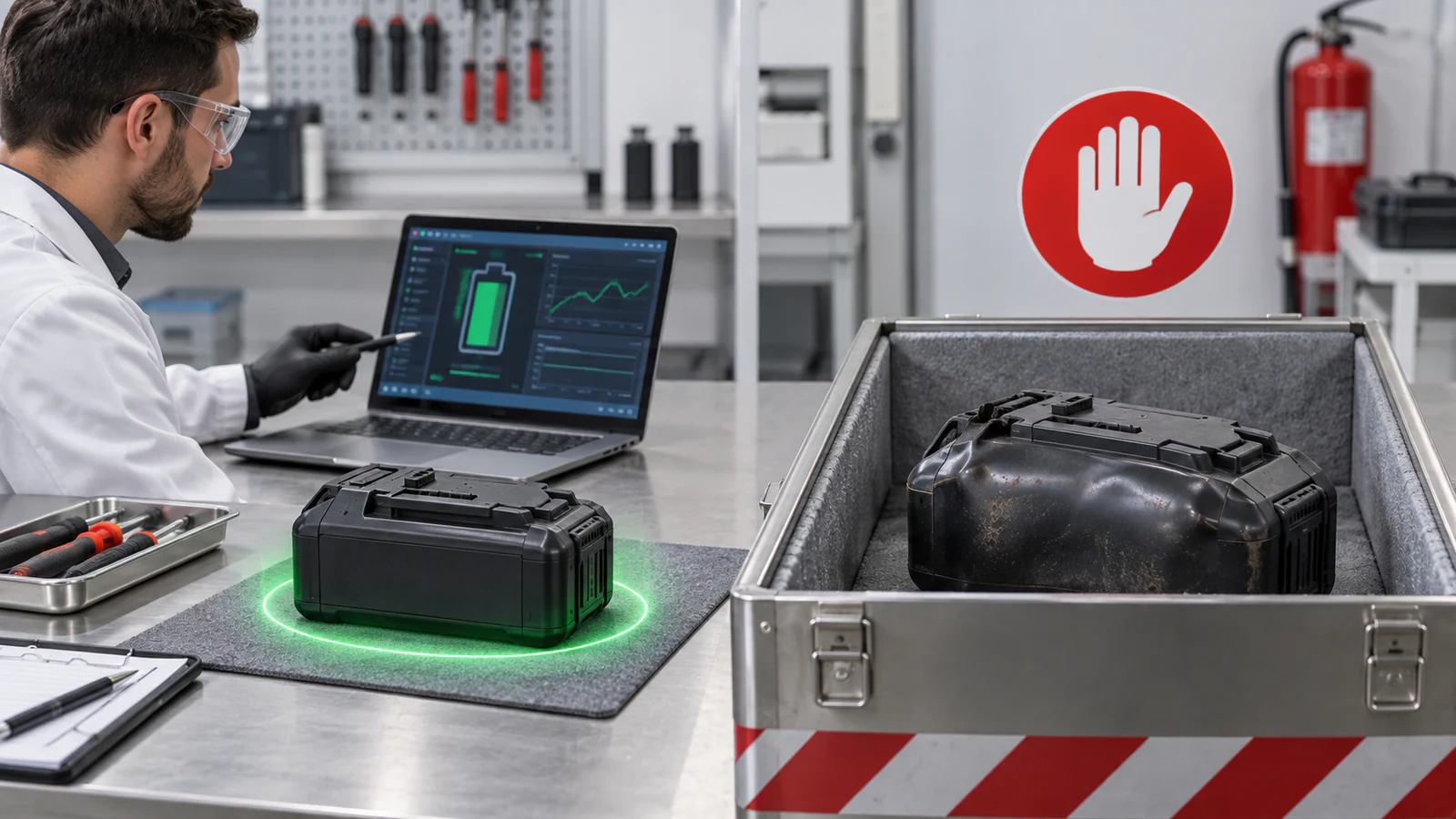
The key question is not only whether the battery can accept charge again, but whether it can operate predictably afterward. Rapid capacity loss, a large drop in resting voltage, repeated protection events, or abnormal operating temperature can create wider problems when the pack is connected to an inverter, a parallel system, or a backup-power application.
| Battery condition | Recommended decision | Why |
|---|---|---|
| No physical damage; manufacturer confirms a protection state | Follow the approved procedure | The BMS may only be temporarily blocking output |
| Capacity or stability is poor after activation | Test professionally or replace | Accepting charge does not prove health has recovered |
| Low-voltage or overcurrent protection repeats | Check the complete system | The load, charge settings, wiring, or battery may be at fault |
| Swollen, leaking, overheating, or impact-damaged | Stop and replace | The battery presents a clear safety risk |
| A residential storage battery is severely over-discharged | Contact the supplier or installer | A large pack depends on BMS, inverter, protection, and communication behavior |
Why Residential LiFePO₄ Batteries Need a Different Approach
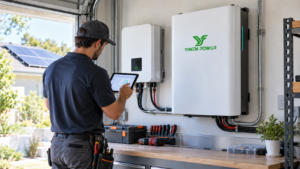
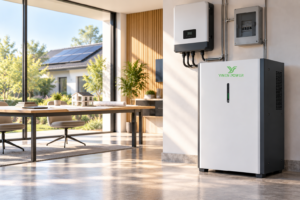
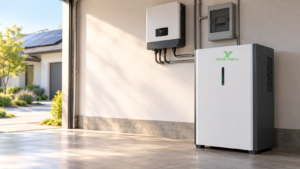
A residential LiFePO₄ battery typically combines many cells with a BMS, fuses, contactors or disconnect devices, and communication to a hybrid inverter or integrated energy storage system. If the system goes offline, the cause may be in the battery, inverter, communication link, temperature limits, breaker, or configuration. Advice written for a phone battery or a loose 18650 cell should not be applied to a home battery pack.
Consider a wall-mounted home battery that has remained shut down for an extended period while small standby loads continued to draw energy. When the system is restarted, the safe response is to save its alarms, confirm an approved charging source, and verify equipment compatibility. Connecting another battery directly to its terminals could create a large uncontrolled current and conceal the original fault.
YINEN POWER offers residential LiFePO₄ battery options in wall-mounted, floor-standing, and tower formats. CAN/RS485 communication is available on selected models. The correct recovery process, parallel limits, protection behavior, certification set, and warranty conditions must always be confirmed for the selected model and project.
How to Prevent Deep Discharge in the Future
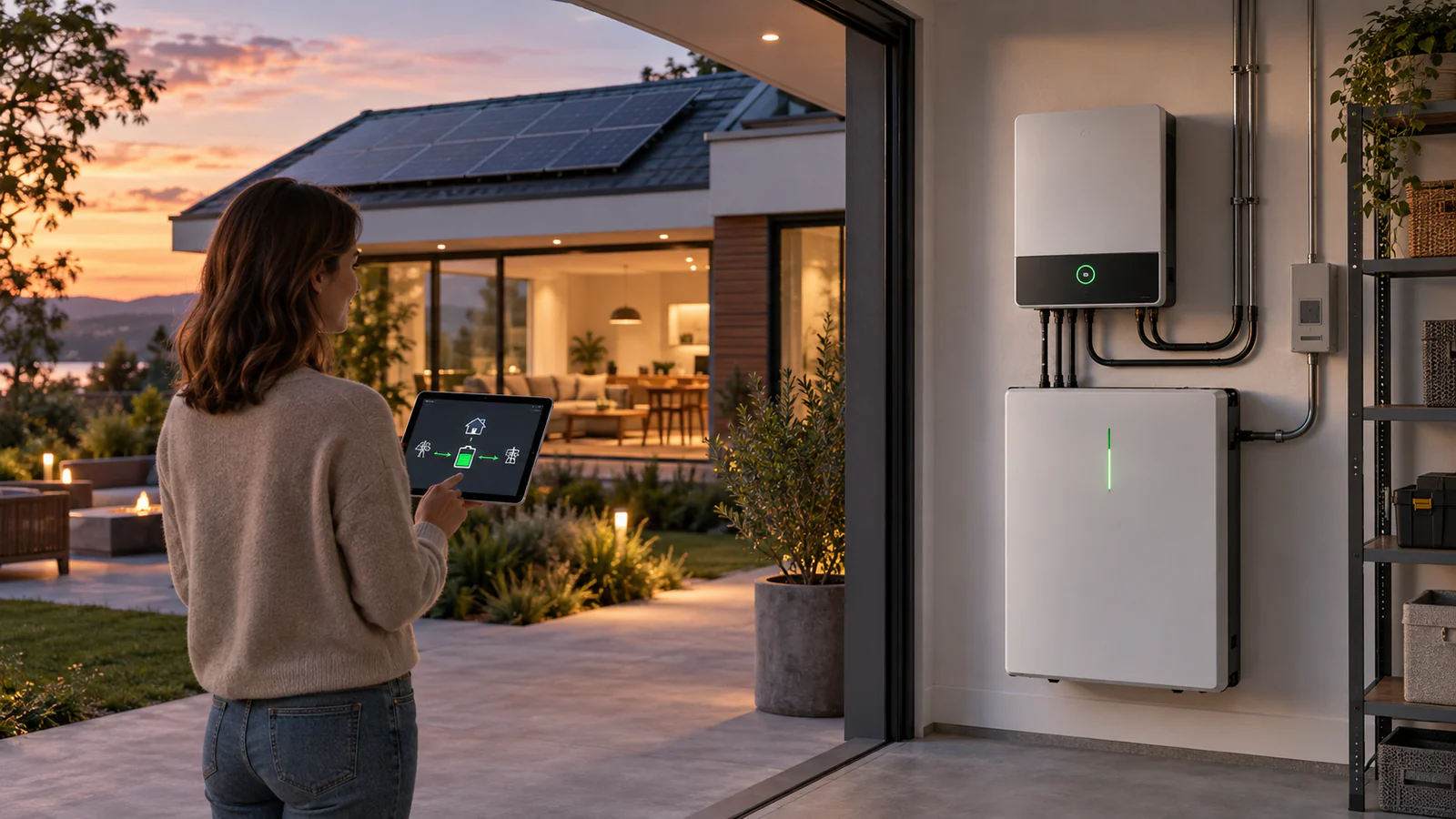
Preventing deep discharge means managing storage and shutdown periods, not only everyday cycling. Before a long idle period, follow the model-specific state-of-charge instructions, remove unnecessary standby loads, and schedule periodic checks. Do not assume that one generic storage percentage applies to every lithium-ion or LiFePO₄ product.
- Use charging equipment that matches the battery chemistry, voltage, and communication requirements.
- Keep BMS and inverter charge/discharge settings coordinated, and investigate communication alarms promptly.
- Avoid extended operation at very low state of charge and charging outside the permitted temperature range.
- Create inspection and recharge schedules for seasonal homes, backup systems, and stored inventory.
- Investigate shorter runtime or repeated protection events before the system becomes completely unavailable.
If you are planning a complete home solar-and-storage project, review YINEN POWER’s residential energy storage solutions. Final equipment selection should be based on measured loads, solar production, backup targets, installation conditions, and local requirements.
Frequently Asked Questions
Can a completely dead lithium-ion battery always be revived?
No. A pack in BMS protection or with an external connection fault may have an approved recovery path. A severely over-discharged, aged, or internally damaged battery may not be recoverable or safe to reuse.
How can I tell whether the BMS is in protection mode?
Check the product manual, BMS or inverter alarms, charge/discharge permission status, temperature, and communication data. Protection logic differs by model, so terminal voltage alone is not enough.
What voltage is too low for a lithium-ion battery?
There is no single threshold for every product. Chemistry, series cell count, and BMS design differ. Use the limits in the exact model’s datasheet and manual.
Can I jump-start a dead lithium battery from another battery?
General users should not do this. The batteries can exchange an uncontrolled current, and the connection may bypass charger and BMS protections.
Will a revived battery return to its original capacity?
Not necessarily. Accepting charge shows only partial function. Capacity retention, self-discharge, temperature behavior, resting voltage, and cell consistency still need evaluation.
Can a solar LiFePO₄ battery be revived like a phone battery?
No. A residential storage battery has much more stored energy and works with an inverter, BMS, protection devices, and communication. Follow the product-specific process through the supplier or installer.
Why does the charger say that no battery is connected?
Possible causes include the connector, fuse, polarity, communication, temperature protection, BMS shutdown, or abnormal voltage. Record the status and verify compatibility instead of bypassing the system.
How should I dispose of a damaged lithium battery?
Do not put it in household waste or an ordinary recycling bin. Prevent exposed terminals from shorting and follow the instructions of your local fire service, hazardous-waste authority, or approved e-waste facility.
Conclusion
When a lithium-ion battery will not charge, the safest approach is not to search for the fastest revival trick. First identify visible hazards, then check the charger, connections, temperature, BMS status, and manufacturer documentation. Only a recovery process explicitly approved for the exact model should be attempted.
If the battery has been severely over-discharged, repeatedly fails, or shows physical abnormalities, replacement is usually safer than forced activation. For help selecting a replacement or reviewing a residential storage configuration, send YINEN POWER the battery model, system voltage, inverter details, alarms, and application requirements.