A solar battery health check helps you separate a normal seasonal change in runtime from a signal that deserves professional attention. Rather than judging a storage system by one number on an app, review usable runtime, charge and discharge behavior, temperature records, alarms, and communication between the battery, inverter, and battery management system (BMS).
This guide is for homeowners, installers, and project teams who want a practical way to review battery condition without opening an enclosure or bypassing any safety protection. If a system reports a fault, unusual heat, swelling, physical damage, smoke, or a persistent communication error, stop using it as instructed by the equipment documentation and contact a qualified installer or supplier.

What Should a Solar Battery Health Check Measure?
Battery health is not the same as the percentage shown on the screen. State of charge describes the energy available at that moment. A useful review looks at whether the system is still meeting the load, backup, or solar-self-consumption role it was designed for.
- Usable runtime: Compare similar loads over similar conditions, not one exceptional day.
- Power delivery: Note whether expected loads can still start and run without unexpected shutdowns.
- Charging behavior: Check whether PV charging, grid charging, and scheduled charging follow the intended settings.
- System messages: Record warnings, communication events, and protective shutdowns with date and time.
Capacity Fade, Power Limits, and Runtime Are Different Signals
When backup time becomes shorter, capacity fade is only one possible explanation. A different household load, less solar production, a changed reserve setting, a lower operating temperature, or an inverter limit can change the result. Start with the operating record before drawing a conclusion.
For example, a battery may retain enough stored energy for a modest nighttime load but reach a power limit when several high-demand appliances start together. That is a power-planning question, not automatically proof that the cells have reached end of life. For a separate explanation of energy versus power, see what MW means in storage planning.
When Is Lower Runtime Normal—and When Is It a Warning?
One short runtime observation is not enough to diagnose a battery. Compare the same priority loads, similar starting state of charge, and similar weather or charging conditions over several operating cycles. Keep the system within its documented operating range and use the monitoring platform supplied for the equipment.
| Observation | What to check first | Suggested next step |
|---|---|---|
| Shorter runtime after a cloudy period | PV production and starting state of charge | Compare a later cycle with similar loads and normal solar input. |
| Backup changes after adding appliances | Actual load power and priority-load settings | Review the backup plan and inverter power capability. |
| Repeated communication warning | Inverter, BMS, firmware and approved cabling documentation | Ask the installer or supplier to review the fault record. |
| Heat, physical damage, swelling, odor or smoke | Safety condition | Follow the equipment safety instructions and seek qualified service immediately. |
A Practical Monthly Battery Health Check List
Set a consistent review day each month. A short record is more useful than relying on memory after a problem occurs. Do not remove covers, disconnect high-voltage components, or alter protection settings during a routine check.
- Save the month’s runtime, solar generation, and energy-flow view.
- Record any alarms, resets, unexpected grid use, or backup events.
- Confirm that the planned reserve state of charge still matches your backup priorities.
- Check the installation area for blocked ventilation, water exposure, unusual noise, odor, or visible damage.
- Compare the system’s reported status with the inverter and battery documentation.
Temperature, State of Charge, and Charging Windows
Ambient conditions and usage pattern matter because batteries are electrochemical systems. High or low temperatures can change available power and charging behavior, while time spent at different states of charge can influence how a system should be operated. The correct limits come from the battery and inverter documentation, not a generic setting copied from another installation.
For systems with seasonal weather changes, plan the battery location, ventilation, and charging strategy around the documented operating window. If a monitoring portal shows recurring temperature-related limits, use the event history when discussing the issue with your installer. For general solar-system fire-safety guidance, consult the U.S. Department of Energy guide to fire safety with solar systems.
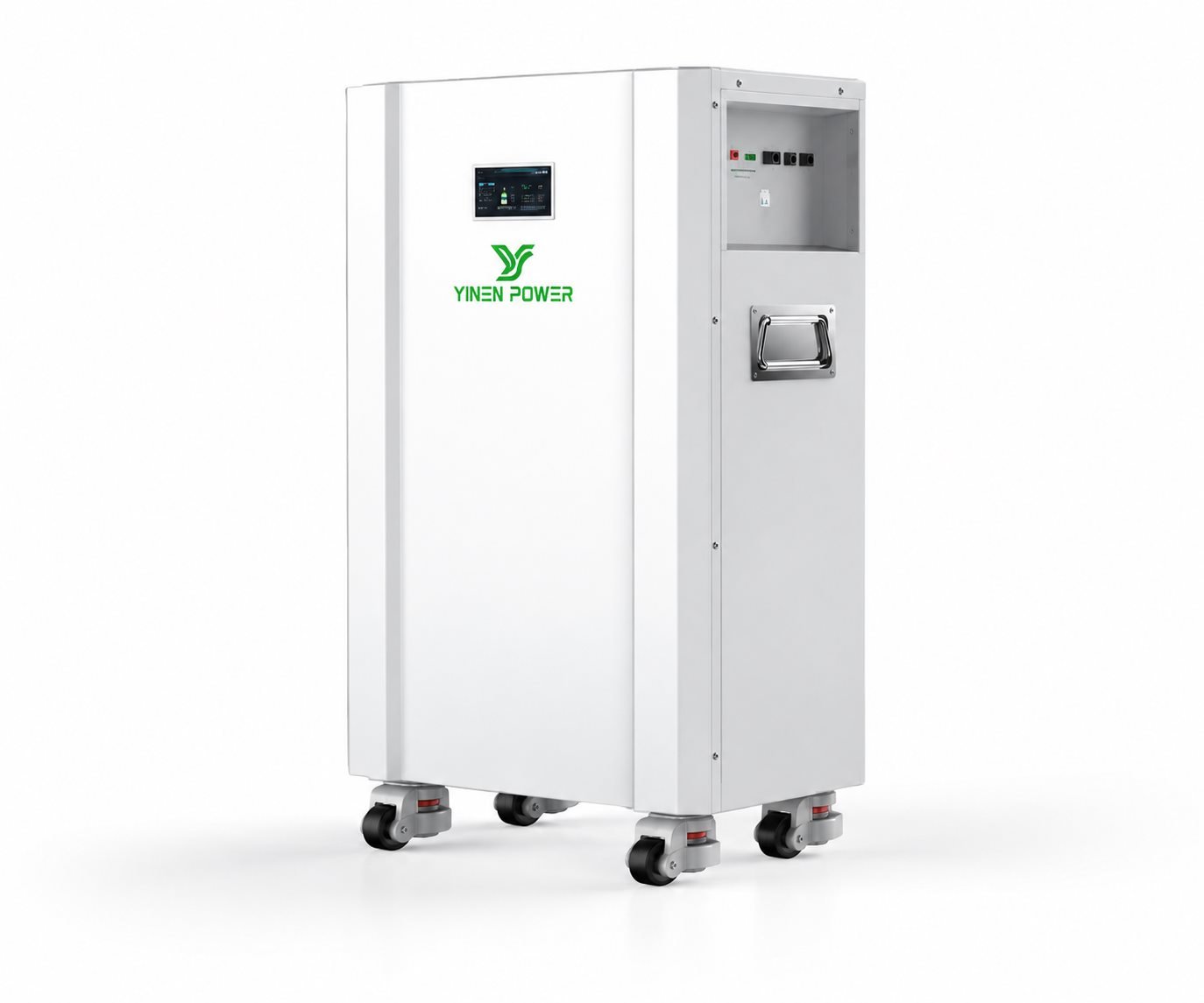
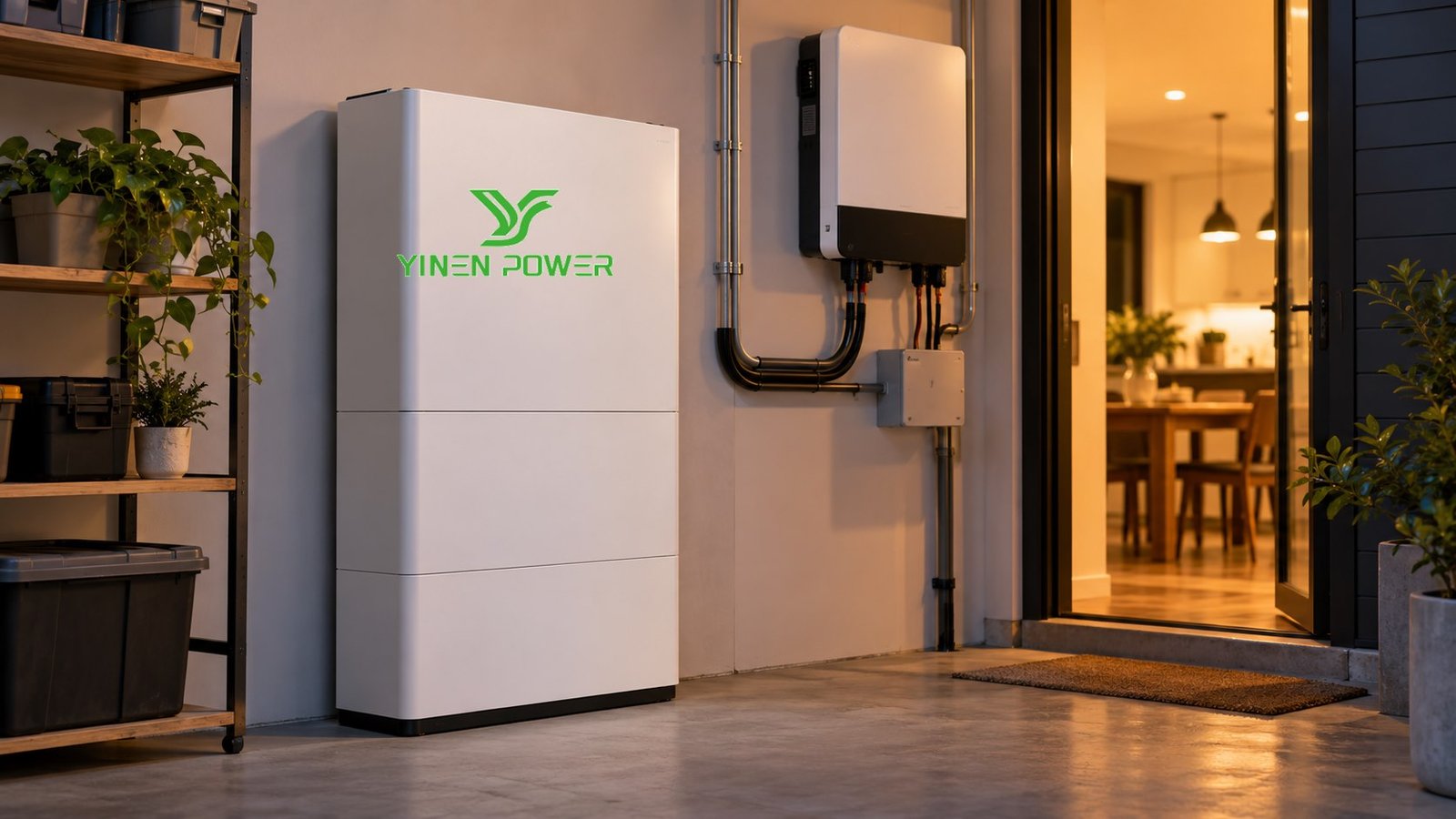
Battery–Inverter–BMS Communication Checks
A solar battery works as part of a system. The inverter needs valid battery information so it can manage charging, discharge, protective limits, and available power. A sudden behavior change may therefore be related to settings, communication, commissioning, or expansion—not only battery capacity.
Before asking for support, prepare the battery model, inverter model, installation date, recent alarms, and screenshots of energy-flow or event records. If you are planning an expandable residential setup, review high-capacity low-voltage home battery planning to keep capacity expansion and inverter compatibility in the same scope.
Repair, Expansion, or Replacement?
The right next step depends on the verified cause and the original project goal. A changed load may call for a revised backup plan; an approved capacity expansion may be appropriate when the system remains compatible; a persistent safety or fault condition needs qualified diagnosis. Avoid mixing battery modules or changing protection parameters without written confirmation from the system provider.
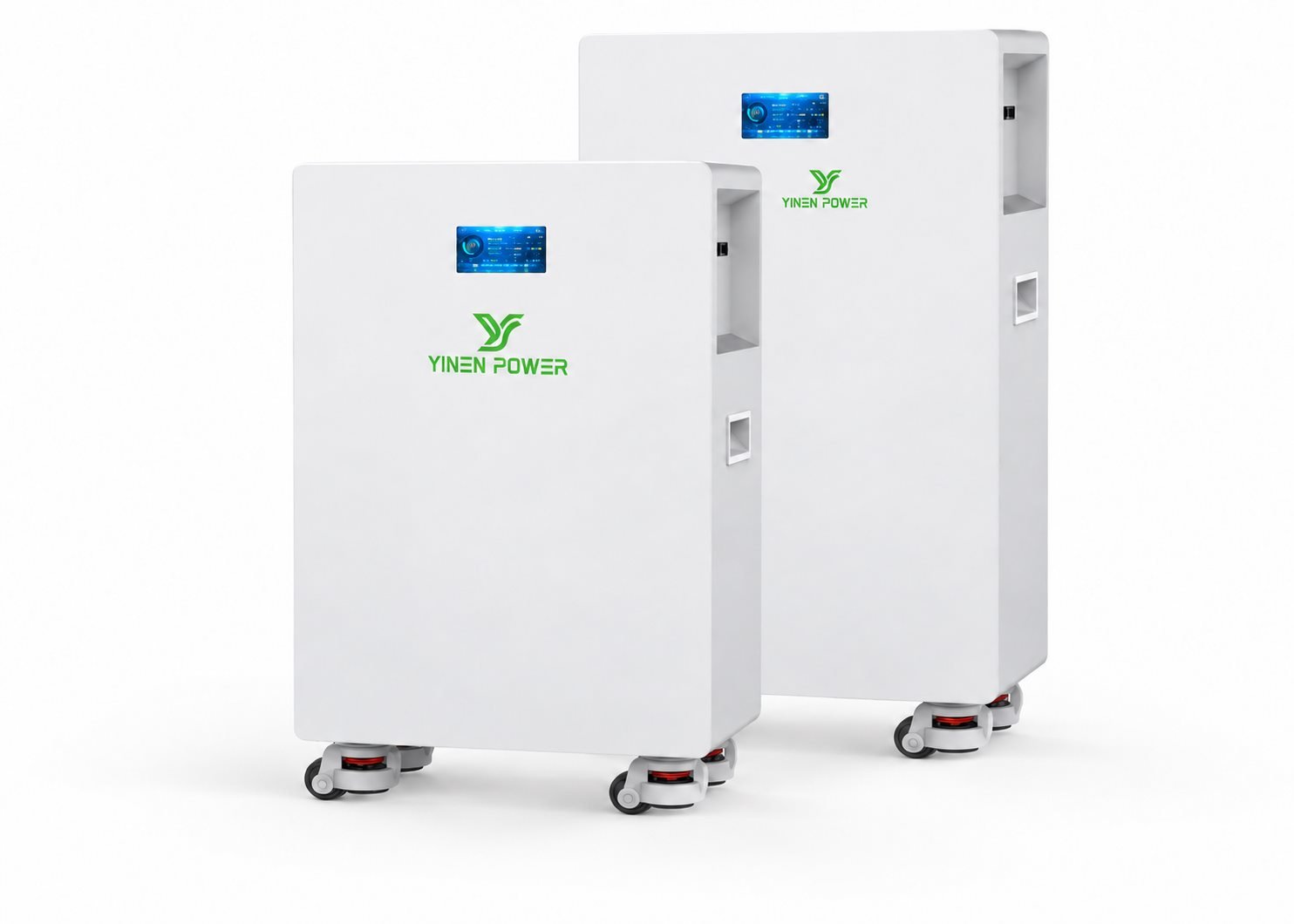
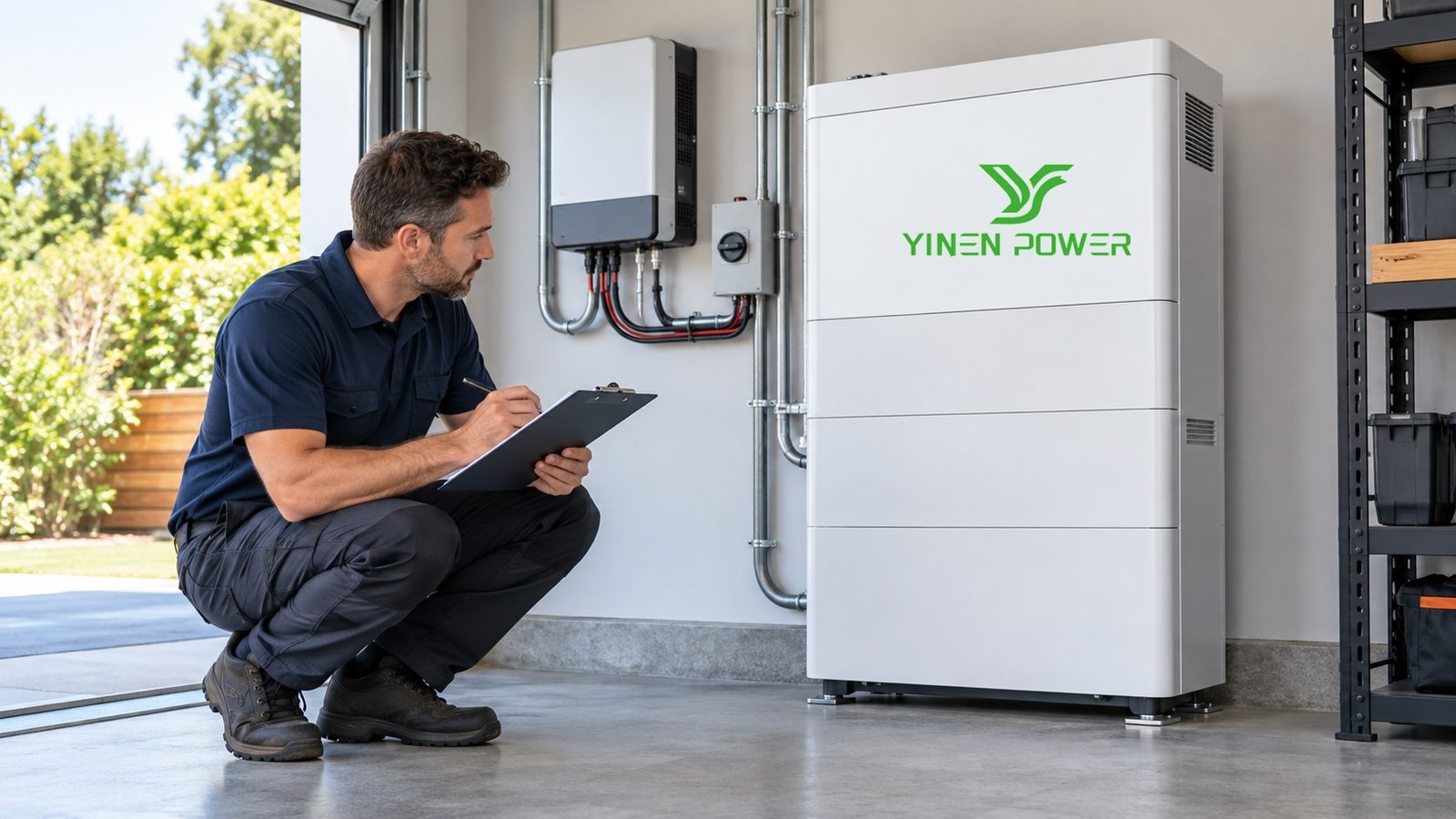
Solar Battery Health Check: What to Prepare Before Contacting Your Installer or Supplier
A focused support request speeds up diagnosis. Share a concise timeline: what changed, when it started, which loads were active, the state of charge at the start and end of the event, and any app or inverter messages. Add clear photos only when they can be taken safely without opening equipment.
For a broader system-selection view, the rechargeable lithium batteries for solar storage guide covers capacity, power, compatibility, and site checks. YINEN POWER can help project teams review product fit, integration information, and the data needed for a clearer system discussion.
Solar Battery Health Check FAQs
How often should I check my solar battery?
A monthly review of monitoring data and installation conditions is a practical baseline. Follow the maintenance interval in the specific product documentation and contact qualified support sooner when a fault or safety concern appears.
Does a shorter backup time always mean the battery is failing?
No. Solar input, starting state of charge, load changes, temperature, reserve settings, and inverter limits can all affect observed backup time. Compare consistent operating conditions before treating runtime as a health conclusion.
Can I extend a battery system myself?
Only use a documented, compatible expansion path and have the system assessed and installed by qualified personnel. Battery, BMS, inverter, protection, and commissioning requirements must be considered together.
Need help interpreting a solar battery health check? A consistent solar battery health check record gives installers a clearer starting point. Send YINEN POWER the battery and inverter information, operating goal, and relevant monitoring record to begin a technically focused discussion.